Feature
Suzuki e-Vitara long-term test: report 7
Can you get it right first time? To find out, our content editor is running his first electric car, and he's chosen the first Suzuki EV for the task
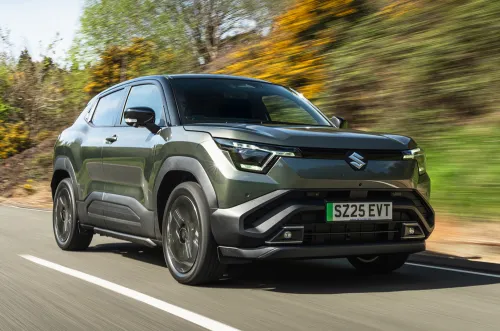
The car Suzuki e-Vitara Ultra Run by Jack Mortimer, content editor
Why it’s here To see whether Suzuki’s first electric car serves as an all-rounder for a first-time electric car owner
Needs to be Easy and enjoyable to use in the city, comfortable and efficient on lengthy motorway trips
advertisement
scroll for more
Mileage 5608 List price £32,049 Best price £20,999 Price as tested £32,999 Official range 264 miles Test range 185 miles
15 October 2026 – Barmy for buttons
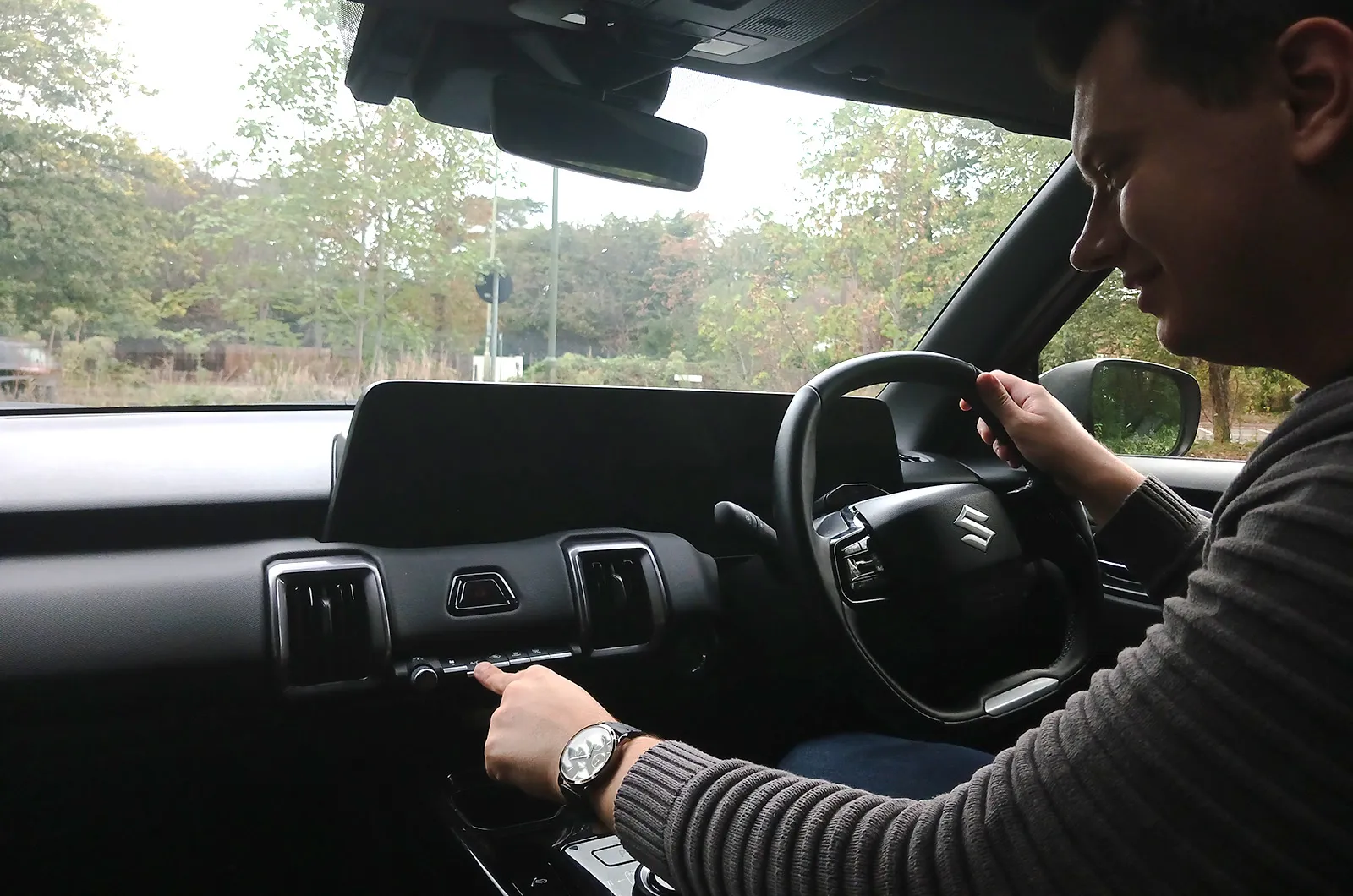
My Suzuki e-Vitara is part of a dying breed. You see, while many manufacturers are removing physical knobs and switches from their cars in a bid to cut costs, the e-Vitara retains a row of buttons for the climate control, located just below the touchscreen.
That’s great news, because when I’m on the move, the last thing I want to be is distracted by having to delve into a myriad of menus on a touchscreen; especially if I only want to alter the temperature by a couple of degrees. In the e-Vitara, I can make my adjustments (well…) at the touch of a button. And just like the rest of the e-Vitara’s interior, these controls feel nice and sturdy.

Jack Mortimer
Updated: 15 October 2026
Car reviews
Suzuki e-Vitara
View all new car reviews
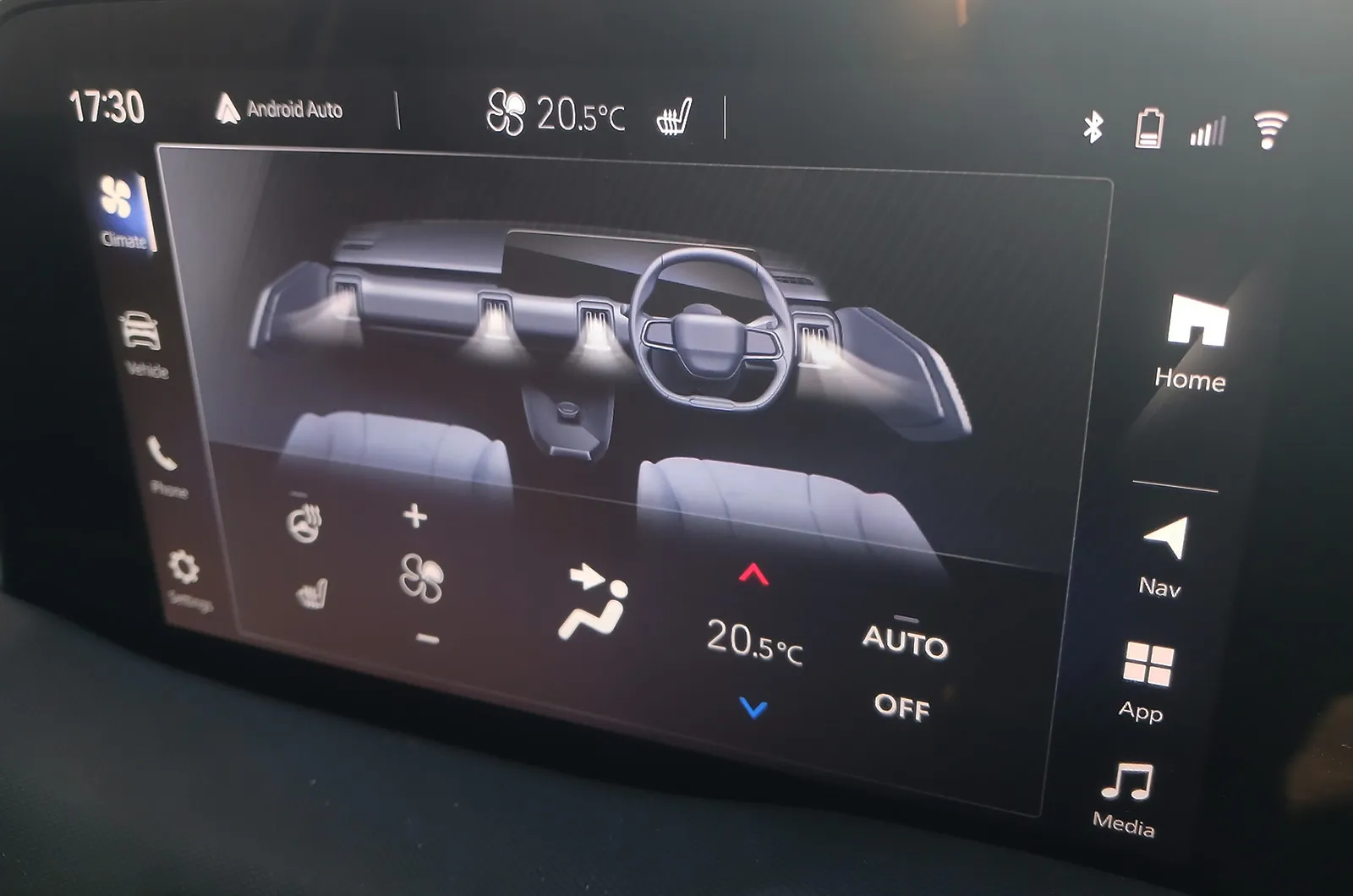
Mind you, it’s not a perfect setup. While these buttons allow me to control key functions, such as adjusting the temperature, turning on the air conditioning and operating the heated rear window, there isn’t a physical control for altering where the air is being directed. What’s more, while one of these buttons controls the fan speed, it won’t let me switch it off entirely.
advertisement
scroll for more
To do that, I have to use the touchscreen. That’s not the end of the world, particularly since a shortcut to the main climate control menu is always present at the top of the screen. However, it’s worth noting that not all parts of the e-Vitara’s infotainment system are so straightforward to use.
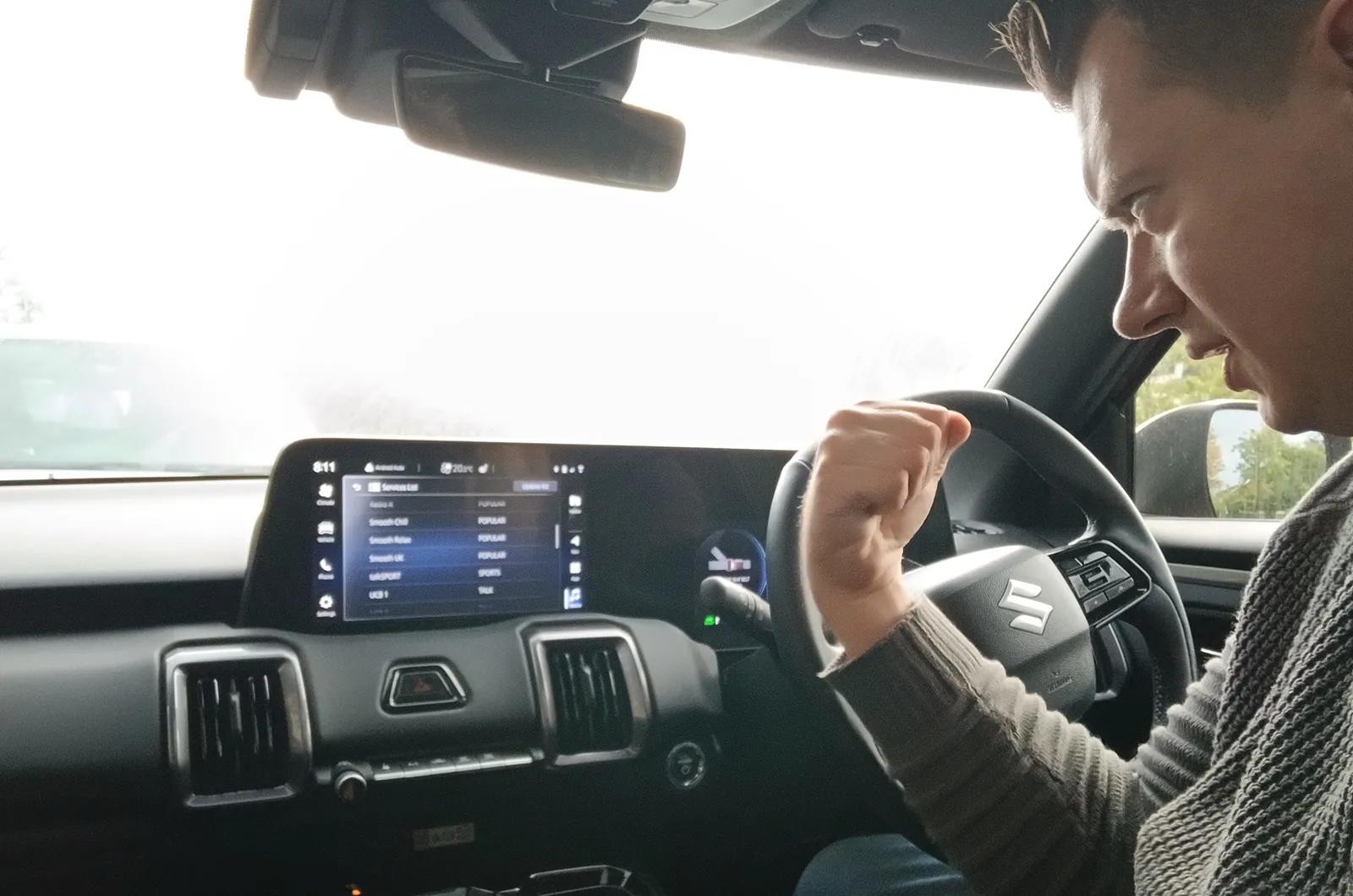
Take the radio, for example. To find a list of all the stations you can listen to, you need to know to swipe up on the screen in the radio menu. Once there, if you scroll down to Capital but your finger slips and you accidentally hit Classic instead, that station will start playing and you’re returned to the top of the list; meaning you’ll need to scroll back down to your desired station once again and hope your finger doesn’t slip again. As a result, when setting up my list of preferred stations, I found it far easier to pull over and concentrate.
Fortunately, it’s physical controls to the rescue once again. Once you’ve got some radio stations saved as favourites, you can toggle between them via the chunky buttons on the steering wheel. That’s particularly handy if you’re using the touchscreen to mirror Apple CarPlay or Android Auto; when displaying these, there’s no shortcut icon for the radio menu on the screen.
advertisement
scroll for more
For all the latest reviews, advice and new car deals, sign up to the What Car? newsletter here
Read more on our long-term Suzuki e-Vitara >>
Read about more long-term test cars >>
Buy a new car with What Car?
Like the sound of the Suzuki e-Vitara?
If so, check out our New Car Deals pages to see how much you could save on a Suzuki e-Vitara.
We’ve got the biggest selection of discounted new cars available in the UK.
News and advice
Best of
Best-selling cars 2026: new car market grows in October
News
Renault Trafic E-Tech van to offer 292-mile range for £38k
Feature
Best tyres 2026: the safest tyres reviewed and rated
Feature
BMW iX3 long-term test
News
Dacia Sandero and Sandero Stepway gain new full hybrid power
News